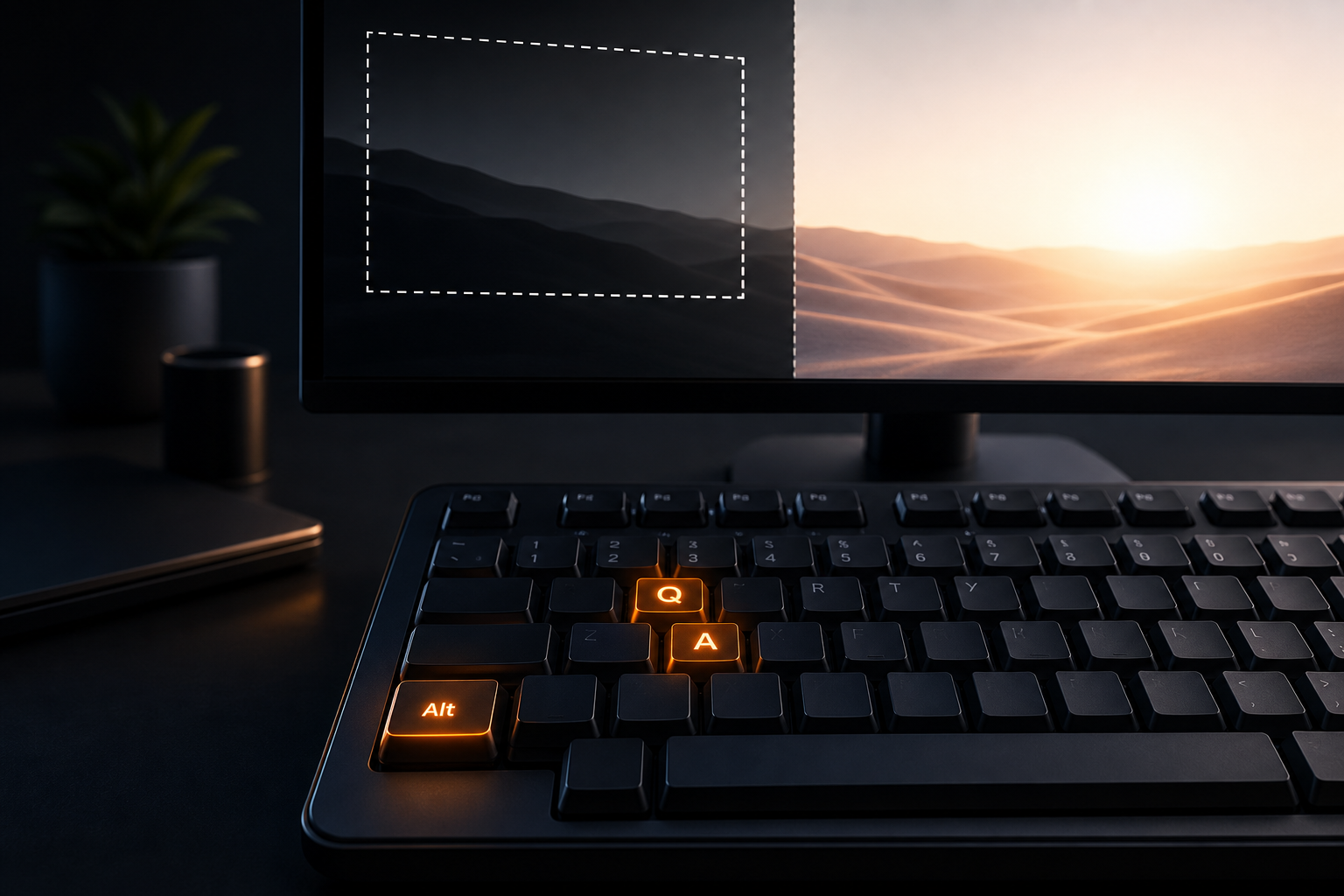
Best screenshot app for Windows 11 depends on whether you need a built-in snip, a free power-user suite, or a work app that also logs the day. Windows 11 ships with Snipping Tool. ShareX, Lightshot, and Greenshot add free capture habits. Snagit is a paid classic. Algenius is a plug-and-play daily activity logging and screenshot app for Windows and Linux, so this list compares what teams actually use in 2026.
Here's a 1 minute tour of Alt+Q in Algenius.


Why Windows 11 screenshot choice still matters
Win+Shift+S is enough for a quick clip. The pain starts when you annotate every bug, blur secrets, paste evidence into Sheets, extract text, or prove how Friday was spent. Picking only by "it came with Windows" leaves power workflows unfinished.
What to look for
- Reliable shortcuts for area and full screen
- Annotation and blur without opening a second editor
- Sharing that matches your chat and ticket tools
- OCR, AI text help, and activity reports when screenshots are part of delivery work
1. Algenius (best for capture plus work reports)
Alt+Q captures an area and Alt+A captures the full screen. The advanced premium editor is fully free: arrows, shapes, text, emoji, step counters, crop, and blur. Share to clipboard, file, or link, and paste into Excel or Google Sheets. Pro adds AI OCR, Alt+S AI Text Assistant, Daily Activity Logger with Focus insights, Compare, and custom branding. Video recording is coming with AI capabilities built in.
Best if you want one Windows (and Linux) app for screenshots and proof of work. Download Algenius.
2. Windows 11 Snipping Tool (best built-in default)
Snipping Tool is free with Windows 11. It supports rectangular, freeform, window, and full screen captures, annotation after capture, and on recent builds text actions for copying or redacting text, plus video snip. Perfect Screenshot and Color Picker features may require a Copilot+ PC.
Best if you want zero install and occasional captures. See our Snipping Tool alternative when you outgrow it.
3. ShareX (best free power-user suite)
ShareX is free and open source for Windows. It covers region and window capture, scrolling capture, screen recording and GIF, annotation, Windows OCR, and uploads to many destinations with custom workflows.
Best if you live on Windows and want deep automation. It is Windows-only, so Linux teammates need another path. See ShareX alternative for Linux.
4. Lightshot (best for quick share links)
Lightshot is a free screenshot tool for Windows and Mac (plus browser extensions). It focuses on fast area capture, light annotation, and short-link sharing to its service.
Best if you want a minimal grab-and-share flow. Compare also our Lightshot alternative.
5. Greenshot (best light free annotator)
Greenshot is free and open source on Windows, with region, window, and full screen capture plus annotation, highlight, and obfuscation. Export goes to file, clipboard, printer, email, and Office apps. There is no Linux version planned.
Best if you want a simple free editor on Windows only.
6. Snagit (best paid all-in-one from TechSmith)
Snagit is a paid capture suite for Windows and Mac with a strong editor, templates, scrolling capture, and video. Individual pricing is commonly listed around $39 per user per year; check TechSmith for current regional prices.
Best if your org already standardizes on TechSmith. Compare Snagit vs Algenius.
Quick comparison
App | Price | Platforms | Standout |
|---|---|---|---|
Algenius | Free + Pro $15.99/mo | Windows, Linux | Editor free; Pro AI and activity logs |
Snipping Tool | Free (built in) | Windows 11 | Zero install; text actions; video snip |
ShareX | Free (OSS) | Windows | Uploads, OCR, recording, workflows |
Lightshot | Free download | Windows, Mac | Fast area capture and short links |
Greenshot | Free (OSS on Windows) | Windows | Light annotate and export |
Snagit | Paid (check store) | Windows, Mac | Polished suite; video; scrolling |
Free vs Pro in Algenius
Feature | Free | Pro |
|---|---|---|
Unlimited Alt+Q / Alt+A | Yes | Yes |
Advanced premium editor | Yes | Yes |
Share links and Sheets paste | Yes | Yes |
AI OCR and Alt+S | No | Yes |
Daily Activity Logger and Focus insights | No | Yes |
Custom branding / watermark | No | Yes |
Pro is $15.99/month with a 14-day free trial. See pricing.
How to choose
1. Only rare snips? Stay on Snipping Tool.
2. Windows power user who loves uploads? ShareX.
3. Need Linux teammates too? Prefer Algenius.
4. Need OCR and a daily report? Start the Algenius Pro trial.
QA and developers: Use document bugs with screenshots. Agencies: See custom branded screenshots.
Common mistakes
- Staying on Win+Shift+S forever: Fine for rare grabs, weak for daily bug packs.
- Ignoring blur: Client secrets in Discord are expensive.
- Buying seats you will not use: Try Free and Pro trial before annual licenses.
- Forgetting mixed OS teams: Windows-only tools split the workflow.
Related guides
Frequently asked questions
Is Snipping Tool enough for Windows 11?
For occasional captures, yes. For daily annotation, Sheets evidence, AI OCR, and activity reports, most teams add a dedicated app.
What is the best free screenshot app for Windows 11?
ShareX, Greenshot, Lightshot, Snipping Tool, and Algenius Free are all strong. Pick based on uploads, simplicity, or cross-platform needs.
Does Algenius run only on Windows?
No. Algenius runs on Windows and Linux with the same shortcuts.
Will Algenius support video recording?
Yes. Video recording is an upcoming Algenius feature with AI capabilities built in.
Can I try Pro before paying?
Yes. Pro includes a 14-day free trial.
Get started
Download Algenius for Windows 11, try free capture and the advanced editor today, and start your 14-day Pro trial on the pricing page when you want AI tools and daily reports.