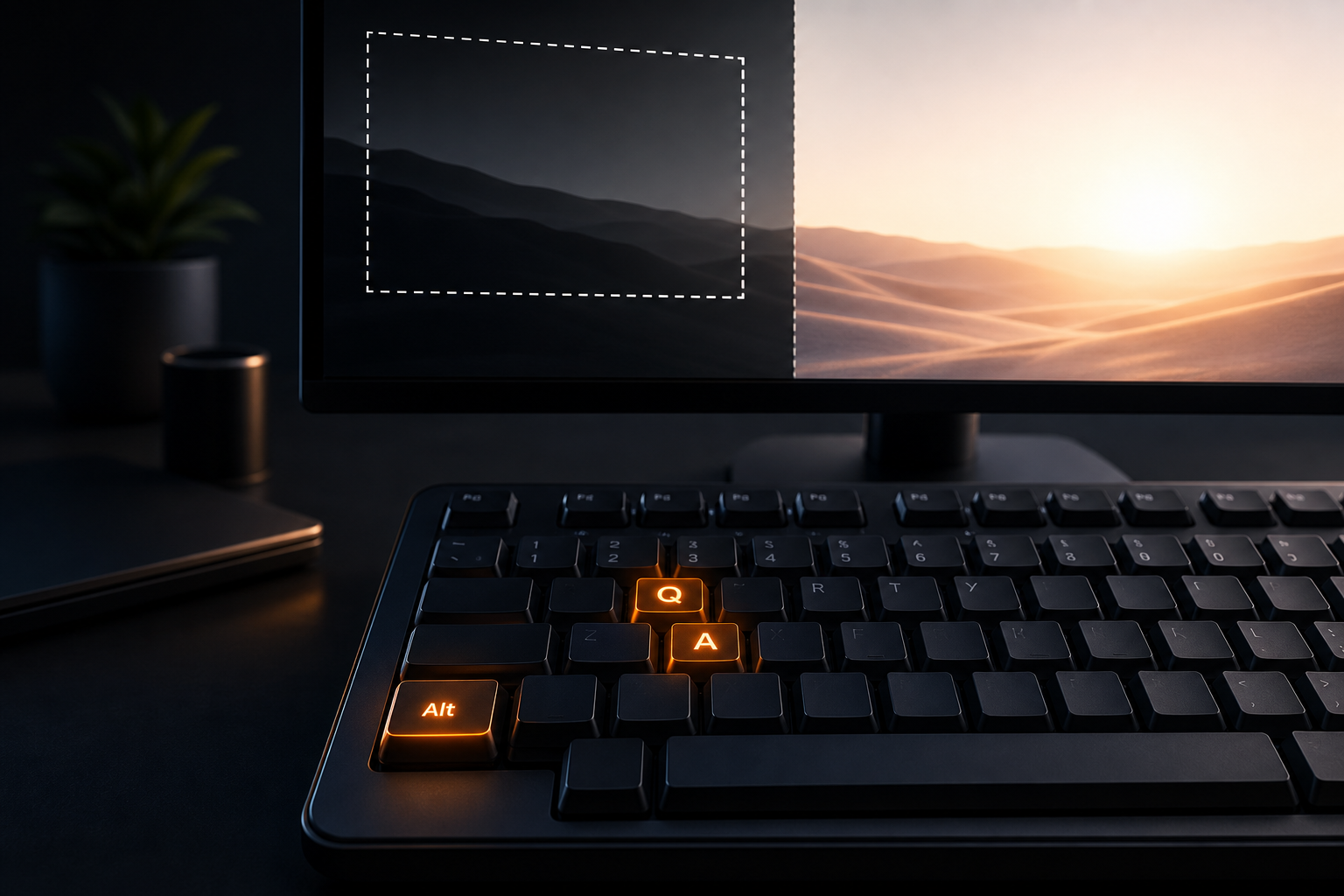
Choosing the right screenshot shortcuts saves time on every bug report, design review, and client update. Area capture vs full screen is the first decision: capture only what matters, or document the entire desktop context. Algenius is a plug-and-play screenshot and activity tool for professionals on Windows and Linux, with global Alt+Q (area) and Alt+A (full screen) shortcuts built in.
Area capture (Alt+Q)
Area capture lets you drag a rectangle over part of the display. Press Alt+Q anywhere on the desktop to start selection in Algenius.
Use area capture when:
- Highlighting a single control, button, field, toast, or table cell
- Showing a modal or dropdown without exposing the rest of the desktop
- Documenting one chart or panel in a dense dashboard
- Reducing PII surface, less to blur later
- Keeping ticket attachments small and focused
Area capture is the default choice for documenting bugs with screenshots.
Full screen capture (Alt+A)
Full screen captures the entire display. Press Alt+A when the bug or design issue depends on layout across the monitor.
Use full screen when:
- Layout or responsive behavior spans the window
- Scroll position or sticky headers matter
- Multiple panels interact (sidebar + main + inspector)
- You need browser chrome or OS UI in the evidence
- Onboarding flows span several regions
Area vs full screen: quick decision table
Situation | Alt+Q (area) | Alt+A (full screen) |
|---|---|---|
Validation error on one field | Preferred | Overkill |
Misaligned nav + content | Maybe two areas | Preferred |
Modal over dimmed background | Preferred | Optional |
Multi-monitor spanning bug | Per-monitor area | Often needed |
Client slide with one widget | Preferred | Rarely |
Regression on entire dashboard | Crop later | Preferred |
When both apply, capture area first, then add full screen only if reviewers lack context.
Speed workflow with Algenius
- Trigger capture: Alt+Q or Alt+A without opening another app.
- Annotate: Arrow, text, blur, shapes, emoji, step counter (Free).
- Share: Clipboard, file, or algenius.app link (Pro keeps every capture forever).
- Paste to sheets: One-click copy into Excel or Google Sheets, see paste guide.
- Compare or brand (Pro): Before-and-after or custom branding.
Multi-monitor tips
- Capture the monitor where the UI appears; do not assume one grab shows all displays.
- Keep DPI scaling consistent between before/after pairs when comparing builds.
- For defects that move across screens, use two area captures labeled clearly.
How Algenius shortcuts compare to the menu
Method | Speed | Best for |
|---|---|---|
Alt+Q / Alt+A | Fastest | Daily QA, support, engineering |
Tray / app UI | Fine for discovery | First-time setup |
OS-native tools | Varies by platform | Quick grabs without annotation |
Algenius adds editor, share links, spreadsheet paste, and Pro features (Compare, branding, activity reports), pricing.
Use cases by role
QA: Area for steps 2–4 in a repro; full screen when layout regresses.
Design: Area for component critiques; full screen for page-level reviews.
Support: Area for customer-specific errors with minimal blur work.
PMs: Area for roadmap slides; full screen for end-to-end flows in status sheets.
Common mistakes
- Full screen by default and forcing reviewers to hunt for a tiny defect
- Area too tight and cropping away error banners or URLs
- Mixed capture modes in before/after pairs without labeling
- Forgetting blur on area captures that still include names or emails
Related guides
Frequently asked questions
What are the Algenius screenshot shortcuts?
Alt+Q starts area capture; Alt+A captures full screen. Both work globally on Windows and Linux while Algenius is running.
Can I change Alt+Q and Alt+A to other keys?
The product ships with Alt+Q and Alt+A as documented on the website. Check release notes if customization is added in your version.
Are shortcuts available on the free plan?
Yes. Unlimited capture and shortcuts are Free. Pro adds Compare, custom branding, daily activity reports, AI text extraction, and unlimited upload retention.
Which shortcut should I use for Jira or Linear tickets?
Start with Alt+Q for most defects; use Alt+A when layout or multi-panel context is part of the bug.
Do shortcuts work on Linux and Windows?
Yes. Algenius targets Windows and Linux desktops, download for your platform.
Get started
Download Algenius and use Alt+Q / Alt+A on your next ticket, or view Pro pricing for Compare, branding, and unlimited share retention.


