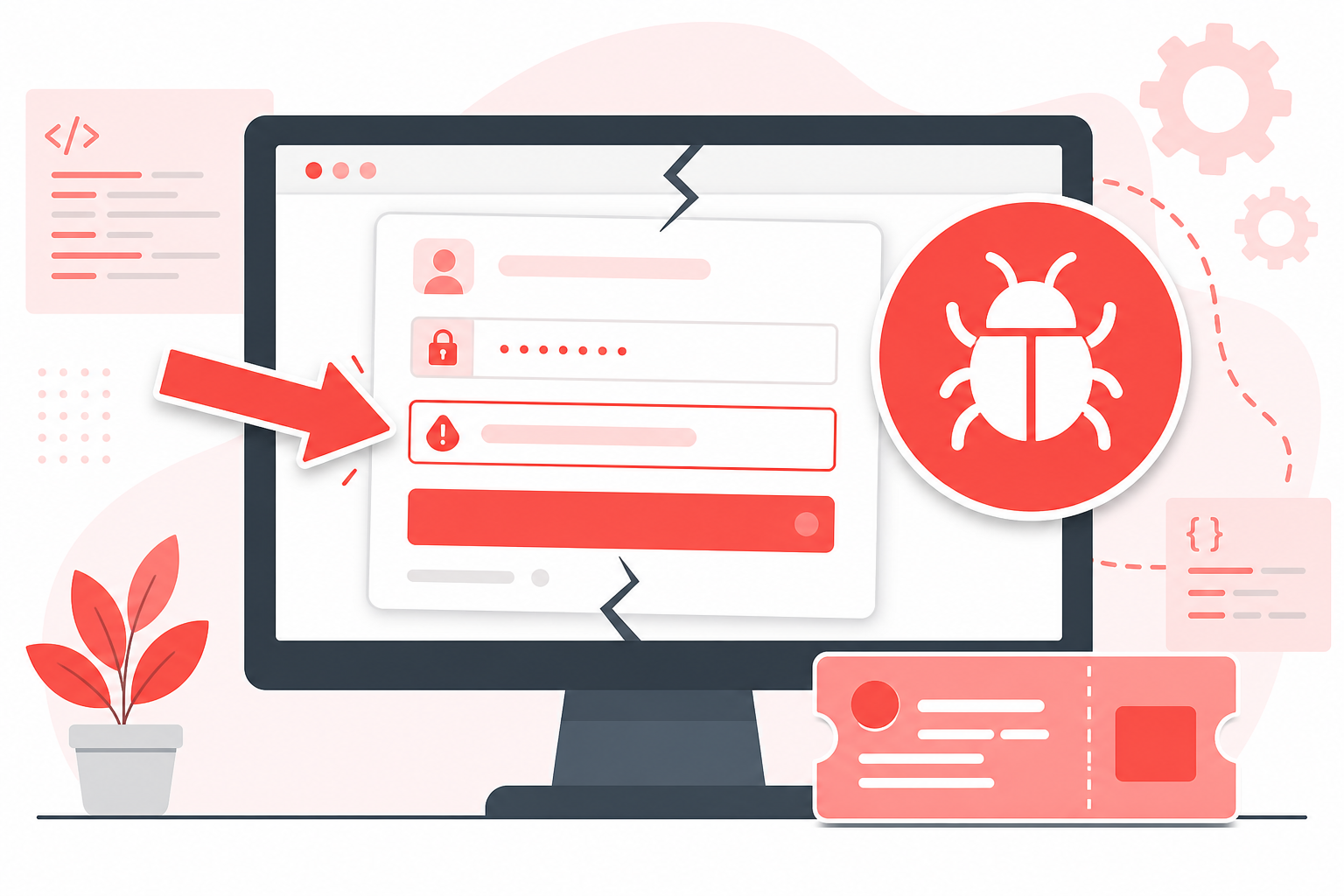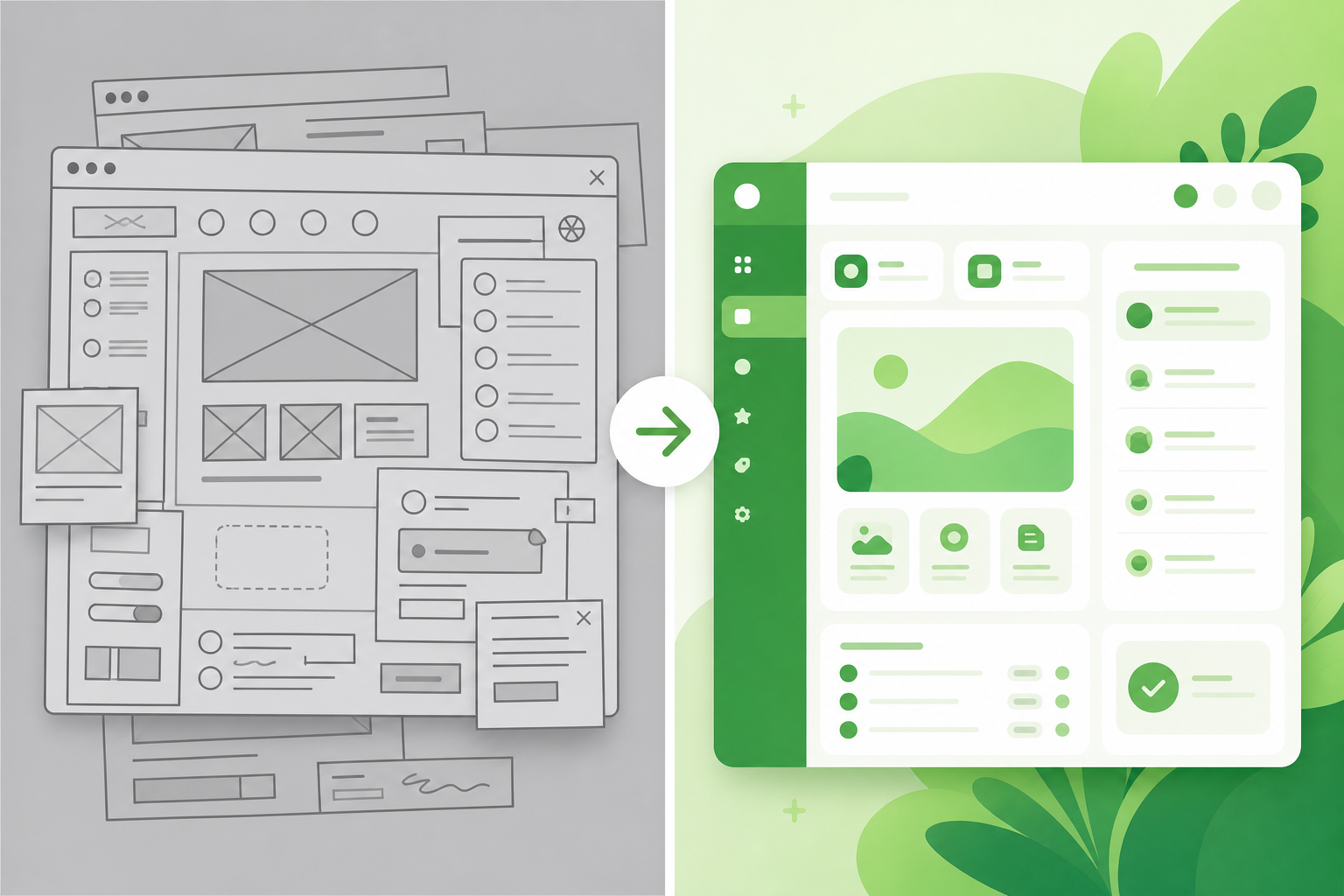
Before-and-after screenshots answer the question every design review and QA cycle depends on: did the UI change in the right way? Side-by-side screenshot comparison beats a single “after” image because reviewers should not have to remember the old layout. Algenius is a plug-and-play screenshot and activity tool for professionals on Windows and Linux, with Compare on Pro that stitches two captures into one image for design QA, bug verification, and release notes.
When before-and-after beats a single screenshot
Use paired captures for:
- Visual regression: spacing, color, typography, alignment
- Component refactors: buttons, empty states, modals
- Bug fixes: prove the broken state and the resolution in one view
- Client deliverables: show iteration progress without slide-deck busywork
- Release notes: changelog entries stakeholders actually understand
A lone “after” screenshot forces cognitive load. Design QA moves faster when old and new sit in the same frame.
Capture discipline that scales
Consistency matters more than fancy tooling.
- Same viewport: Match window size and zoom; do not compare a laptop crop to a maximized monitor.
- Same theme: Light vs dark mode changes invalidate comparisons.
- Same data state: Seed accounts, records, or carts so lists and charts align.
- Label time order: Before left, after right (or follow team convention every time).
- Capture before you merge: Grab the broken state before refreshing or redeploying.
For localized defects, capture the failure with area capture (Alt+Q) first; see screenshot shortcuts. For ticket context, follow documenting bugs with screenshots.
Manual stitching vs Algenius Compare
Teams often paste two images into Figma or Photoshop. That works once; it does not scale across daily QA.
Algenius Compare (Pro) captures two screenshots and stitches them into one side-by-side image automatically. Share via clipboard, algenius.app link, or paste into Excel and Google Sheets, no extra editor session.
Approach | Effort | Best for |
|---|---|---|
Manual collage | High per image | One-off marketing slides |
Algenius Compare | Low per pair | Daily QA, PRs, client updates |
Single screenshot | Lowest | Typo-only changes |
Free tier includes unlimited capture and editing but not Compare. Pro adds Compare, branding, activity reports, and AI text extraction, pricing, 14-day trial.
How Algenius fits design and QA workflows
Designers: Post comparisons in critique threads instead of exporting from design tools twice.
QA engineers: Attach side-by-side evidence to regression tickets and release sign-off.
Developers: Document UI fixes in pull requests without maintaining separate assets.
Agencies: Combine Compare with custom branded screenshots for client-ready packs.
Project managers: Drop comparisons into spreadsheet status rows executives already read.
How to run a comparison with Algenius (Pro)
- Capture the before state with Alt+Q or Alt+A.
- Apply the fix or deploy the build.
- Capture the after state with the same framing discipline.
- Run Compare to generate the stitched image.
- Share via link, clipboard, or paste, optionally brand on Pro for external stakeholders.
Common mistakes
- Different zoom levels making spacing look “fixed” when it is an artifact
- Mixing themes (dark vs light) and misreading contrast changes
- Only shipping “after” in QA sign-off when auditors need the broken baseline
- Huge full-screen pairs when area captures tell the story in less noise
- Forgetting blur on PII in either panel
Related guides
Frequently asked questions
What are before-and-after screenshots used for in QA?
They document visual change between builds, regressions, fixes, and design tweaks, so reviewers approve or reject based on evidence, not memory.
Does Algenius replace a dedicated visual regression test suite?
No. Automated pixel diffs still matter in CI. Algenius Compare is for human-readable evidence in tickets, PRs, and client comms when you need speed and context.
Is Compare available on the free plan?
No. Compare is Pro. Free still includes capture, the advanced premium editor, share links, and spreadsheet paste.
Can I paste comparisons into Excel or Google Sheets?
Yes. Pro supports copy and paste into spreadsheets alongside unlimited retention, see paste screenshots into Excel and Google Sheets.
How do I brand comparisons for clients?
Enable custom branded screenshots on Pro so watermarks apply on shared and exported images, custom branding guide.
Get started
Download Algenius and start a Pro trial to use Compare on your next design QA cycle, or stay on Free for capture and annotation while you evaluate. View pricing for the full feature list.