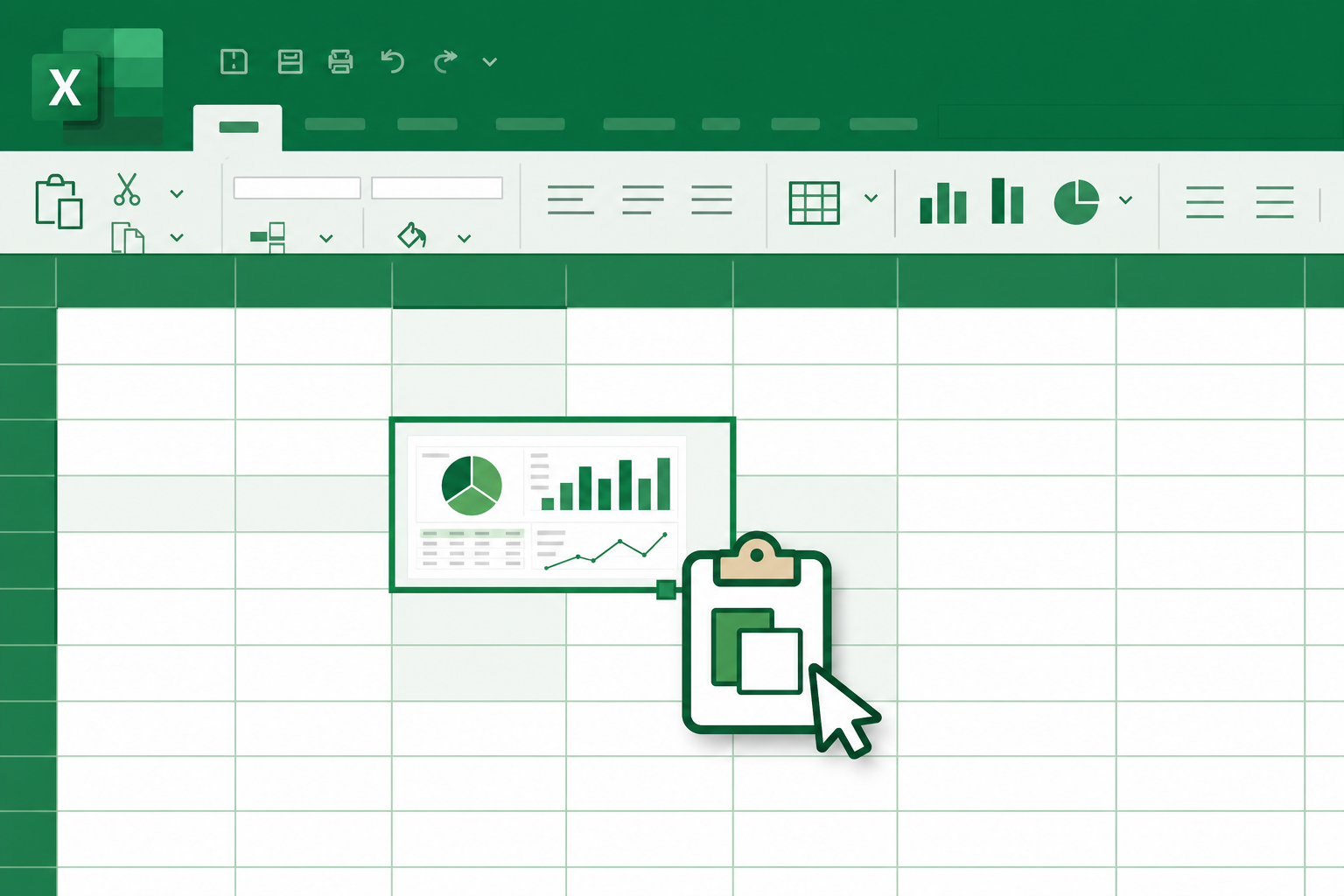
Project managers and QA leads live in spreadsheets. Learning how to paste a screenshot into Excel or Google Sheets should be as easy as pasting text, yet broken =IMAGE() URLs, huge attachments, and manual resizing waste hours. Algenius is a plug-and-play screenshot tool for professionals on Windows and Linux with one-click copy built for spreadsheet workflows on both Free and Pro.
Why spreadsheets need inline screenshots
Teams embed images directly in cells for:
- QA matrices: expected vs actual UI per test case
- Sprint dashboards: stakeholders who do not live in Jira
- Client trackers: visual proof beside task status
- Training sheets: step-by-step UI walkthroughs
- Release checklists: sign-off columns with evidence attached
External file links break when rows move, drives change permissions, or colleagues use a different machine. Inline paste keeps context in one workbook.
What goes wrong with traditional methods
Method | Problem |
|---|---|
| URLs break when files move or expire |
Insert → Picture from disk | Extra save steps; version drift |
Email attachments | Reviewers open side files; hard to scan rows |
Huge PNG inserts | Bloated workbooks; slow sync |
Algenius optimizes for capture → annotate → copy → paste in seconds.
Recommended workflow with Algenius
1. Capture the right region
- Alt+Q: area capture for a single control, modal, or chart.
- Alt+A: full screen when the whole page context matters.
Decision guide: screenshot shortcuts: area vs full screen.
2. Annotate and blur
Add arrows or blur for PII before the image leaves your machine. Same editor on Free and Pro.
3. Copy for spreadsheets
Use Algenius copy to clipboard formatted for Excel and Google Sheets. Paste directly into the target cell with no manual file insert dialog.
4. Pair with share links when needed
When a cell thumbnail is too small, add an algenius.app share link in a neighboring column for full resolution. Pro keeps every capture forever.
5. Upgrade visuals for executives (Pro)
- Compare: paste side-by-side before/after in one cell. See our design QA guide
- Custom branding: watermarked captures for client workbooks. See our branding guide
Free vs Pro for spreadsheet paste
Feature | Free | Pro |
|---|---|---|
Excel / Google Sheets paste | Yes | Yes |
Capture + editor | Yes | Yes |
Share links | Yes | Yes, kept forever |
Compare / branding / activity | No | Yes |
Pro is $15.99/month with a 14-day free trial. See pricing.
Spreadsheet templates that work well
QA matrix columns
- Test ID | Steps | Expected | Actual | Screenshot | Status | Owner
Weekly status row
- Initiative | RAG | Notes | Screenshot paste | Link to full capture
Keep screenshot columns a consistent width so thumbnails align when printed or exported to PDF.
Use cases by role
QA: Regression tables with per-case UI evidence.
PMs: Portfolio dashboards for leadership reviews.
Customer success: Onboarding checklists with visual steps.
Agencies: Client trackers combining branded screenshots and daily activity summaries.
Common mistakes
- Pasting enormous full-screen images into tiny cells, prefer area capture
- Stale IMAGE formulas pointing at moved cloud folders
- Skipping blur on production data in shared workbooks
- One workbook per screenshot file on disk, creates version chaos
- Forgetting links when print layout makes thumbnails unreadable
Related guides
Frequently asked questions
How do I paste a screenshot into Excel without Insert Picture?
Capture with Algenius, annotate if needed, then use copy for spreadsheets and paste into the cell, skipping manual file pickers.
Does this work with Google Sheets?
Yes. The same copy flow targets Google Sheets paste behavior, and Algenius supports it on both Free and Pro.
Why do IMAGE formulas break in spreadsheets?
Formulas reference URLs that change when files move, permissions shift, or hosts expire. Pasting from Algenius keeps the image embedded in the sheet.
Is spreadsheet paste available on the free plan?
Yes, Excel and Google Sheets paste is included on Free. Pro adds Compare, custom branding, AI tools, and keeps every capture forever.
Can I paste before-and-after comparisons into a cell?
Yes on Pro, use Compare to generate one side-by-side image, then paste into the sheet.
Get started
Download Algenius for Windows or Linux and paste your next screenshot into a status workbook, or view Pro pricing for Compare, branding, and captures kept forever.


