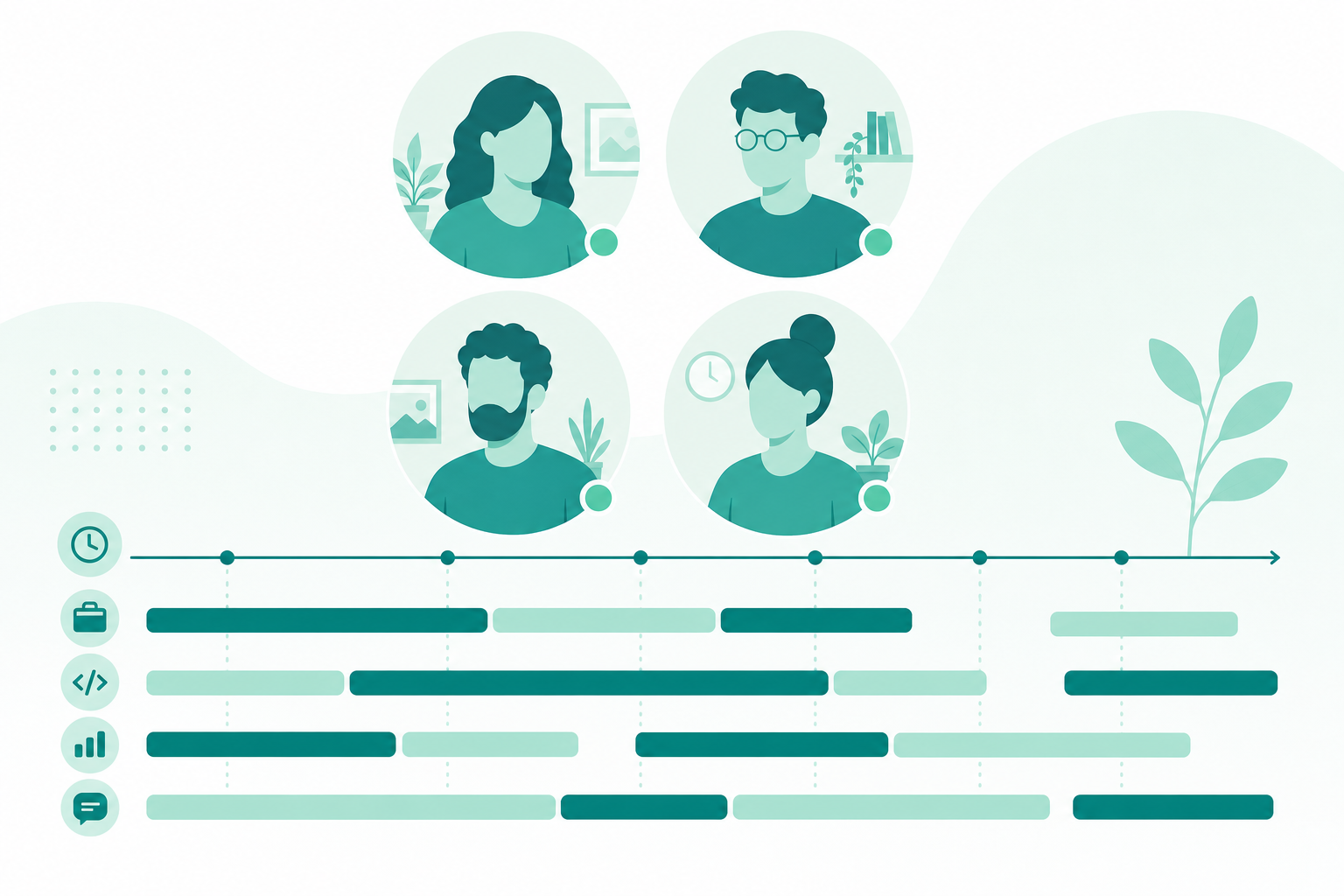
Daily activity reports help remote teams stay aligned without another hour of meetings. When distributed squads cannot glance at a shared office, lightweight automatic work logging plus human-reviewed summaries replace guesswork in standups, client updates, and retrospectives. Algenius is a plug-and-play daily activity logger and screenshot tool for developers, designers, and project managers on Windows and Linux, combining desktop activity insights with fast capture (Alt+Q / Alt+A) on Pro.
What is a daily activity report?
A daily activity report summarizes how focused work time was spent: applications used, active sessions, and patterns across the day. The goal is visibility and self-awareness, not surveillance.
Effective reports for remote team productivity:
- Run locally with the individual reviewing what gets shared
- Aggregate into readable summaries, not raw keystroke logs
- Complement narrative standups instead of replacing trust
- Pair with screenshots when UI progress matters to stakeholders
Poor implementations create anxiety. Good ones shorten async updates and make blockers obvious early.
Why remote teams adopt activity reporting
Distributed work fails when status lives only in memory. Daily activity reports address common gaps:
- Standups drift when everyone reconstructs yesterday from calendar fragments
- Managers lack signal without micromanaging chat channels
- Clients on retainers want evidence of effort tied to milestones
- Individuals forget deep-work blocks that never surfaced in tickets
Reports work best as a draft the author edits, not an immutable scorecard.
How Algenius daily activity logging works (Pro)
On Algenius Pro, activity logging runs in the background while you work. At the end of the day you review an AI-generated summary, then edit, remove, or refine entries before sharing. You stay in control of what leaves your machine.
Pro also includes:
- Unlimited screenshot capture with Alt+Q (area) and Alt+A (full screen)
- Compare before/after for visual milestones
- Custom branded screenshots for client-facing updates
- AI text extraction from screenshots
- Unlimited retention for uploads and sheet data
Free tier includes unlimited screenshots, the advanced premium editor, fully free, share links, and Excel/Google Sheets paste. The daily activity logger is part of Pro. Compare plans on pricing. Pro includes a 14-day free trial.
A practical async standup workflow
- Work normally: Algenius logs sessions locally (Pro).
- Capture proof when UI changes: Area or full-screen shots for tickets, demos, or defects.
- Review the daily summary: Trim noise; add context tickets cannot capture.
- Paste into your rhythm: Slack standup thread, Notion, or a spreadsheet dashboard.
- Send client-safe packs: Optional branded screenshots plus a short activity note.
For defects discovered during the day, link to documenting bugs with screenshots.
Privacy and team norms
Activity reporting succeeds when teams agree on boundaries:
- Reports describe work patterns, not personal browsing off hours
- Individuals approve summaries before managers or clients see them
- Leaders use reports to unblock, not to score keyboard time
- Sensitive projects may exclude certain apps by policy, document team rules explicitly
Transparency beats stealth monitoring every time.
Use cases by role
Engineering managers: Spot context-switching spikes before sprint commitments slip.
Consultants on retainers: Pair edited activity summaries with deliverable screenshots for client trust.
Product designers: Show review cycles alongside captures from design QA sessions.
Support leads: Highlight escalation-heavy days when prioritizing hiring or tooling.
Common mistakes
- Sharing raw logs instead of an edited narrative stakeholders can read in two minutes
- Replacing conversation with reports, async text still needs human follow-up on blockers
- Ignoring screenshots when the deliverable is visual; activity alone cannot show UI progress
- Using activity data punitively, morale drops and accuracy follows
Related guides
Frequently asked questions
Are daily activity reports the same as employee monitoring?
No. Algenius is designed for self-directed summaries you review and edit, not covert monitoring. Team policy should make that expectation explicit.
Is the daily activity logger available on the free plan?
No. The daily activity logger and reports are Pro features. Free still includes screenshot capture, editing, and share links.
Can I combine activity reports with screenshots for clients?
Yes. Many agencies send an edited daily summary plus branded captures or spreadsheet rows with pasted images.
How does this help remote standups?
Teammates post a short edited summary instead of reconstructing yesterday from memory, standup threads start with facts, not improvisation.
What platforms does Algenius support?
Algenius runs on Windows and Linux desktops. Download Algenius to start; upgrade to Pro on pricing when you need activity logging.
Get started
Download Algenius, try Pro free for 14 days, and review your first daily activity report before you share it. Better remote visibility starts with summaries you control.


