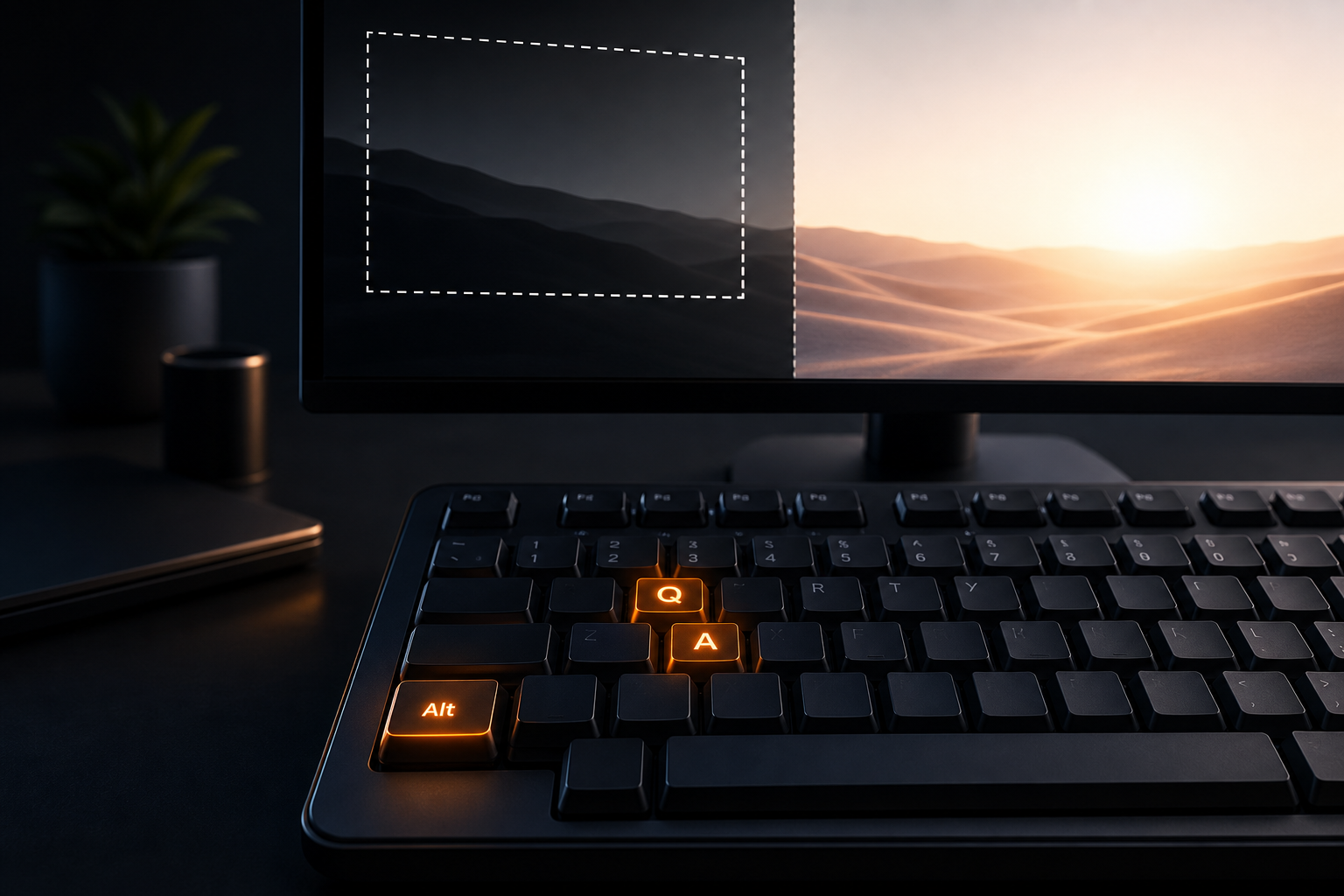
Best screenshot tool for Linux depends on whether you need a quick system snip, deep annotation, or a full workday workflow. Built-in GNOME and KDE tools cover the essentials. Flameshot and Spectacle go further for markup. Algenius is a plug-and-play daily activity logging and screenshot app for Windows and Linux, so this list focuses on tools that help you capture, edit, share, and prove the day on a Linux desktop.
Here's a 1 minute tour of Alt+Q in Algenius.


Why Linux screenshot choice matters
Linux teams often mix GNOME, KDE, and tiling setups. A tool that works on one desktop can feel awkward on another, especially on Wayland. The result is fragmented habits: one person uses Print Screen, another uses Flameshot, and nobody has a shared way to blur secrets or paste evidence into Sheets.
Pick for the weekly workflow, not the longest feature page.
What to look for in 2026
- Fast area and full screen capture with reliable shortcuts on X11 and Wayland
- Annotation and blur so tickets and chats stay clear and safe
- Share and paste into the tools your team already uses
- Optional OCR and activity reports when screenshots are part of a larger work log
1. Algenius (best overall for work on Linux)
Algenius gives you Alt+Q area capture and Alt+A full screen capture, plus the advanced premium editor, fully free: arrows, shapes, text, emoji, step counters, crop, and blur. Share to clipboard, file, or link, and paste into Excel or Google Sheets. Pro adds AI OCR, Alt+S AI Text Assistant, Daily Activity Logger with Focus insights, Compare, and custom branding.
Best if you want one app for capture, editing, sharing, and daily reports on Linux and Windows. Download Algenius.
2. Flameshot (best free open source annotator)
Flameshot is free and open source, with downloads for Linux, Windows, and macOS. It is known for in-app editing: arrows, highlight, blur or pixelate, text, draw, borders, counters, and a CLI for scripting. On modern Linux it leans on the xdg-desktop-portal capture path, which matters on Wayland.
Best if you want a familiar open source markup tool and are fine managing your own sharing habits. See also our Flameshot alternative.
3. KDE Spectacle (best built-in for Plasma)
Spectacle is KDE's screenshot app. It captures the entire desktop, a monitor, the active window, the window under the cursor, or a rectangular region, with shortcuts and save or copy flows. Recent Plasma updates added optional OCR via Tesseract and screen recording with audio options, so Plasma users get more than a bare Print Screen.
Best if you live in KDE Plasma and want something that ships with your desktop.
4. GNOME Screenshot / Shell overlay (best default on GNOME)
On GNOME, the Shell screenshot overlay (Print Screen) covers full screen, window, and region, and saves to Pictures. It is the right default for a quick snip. Deeper annotation, blur workflows, spreadsheet paste, and activity reports usually mean adding another app.
Best if you only need occasional captures and already stay inside GNOME.
Quick comparison
Tool | Price | Annotation | OCR | Activity reports | Notes |
|---|---|---|---|---|---|
Algenius | Free + Pro $15.99/mo | Advanced editor, free | Pro AI OCR | Pro Daily Activity Logger | Windows and Linux |
Flameshot | Free (OSS) | Strong in-app markup | Not the focus | Not listed | Cross platform |
Spectacle | Free (with Plasma) | Save, copy, export | Optional (Tesseract) | Not listed | KDE focused |
GNOME overlay | Free (built in) | Quick snip flow | Built-in varies | Not listed | GNOME default |
Video recording is coming to Algenius with AI capabilities built in. Scrolling capture is coming soon.
Free vs Pro in Algenius
Feature | Free | Pro |
|---|---|---|
Unlimited Alt+Q / Alt+A | Yes | Yes |
Advanced premium editor | Yes | Yes |
Share links and Sheets paste | Yes | Yes |
AI OCR and Alt+S | No | Yes |
Daily Activity Logger and Focus insights | No | Yes |
Custom branding / watermark | No | Yes |
Pro is $15.99/month with a 14-day free trial. Details on pricing.
How to choose in five minutes
1. Stay on GNOME or Plasma only? Try the built-in tool first.
2. Need arrows and blur every day? Try Flameshot or Algenius Free.
3. Need Linux plus Windows in one habit? Prefer Algenius.
4. Need OCR and a daily report? Start the Algenius Pro trial.
Developers: Pair captures with bug documentation. Remote teams: Use daily activity reports.
Common mistakes
- Forcing Wine for Windows-only tools: Prefer native Linux apps.
- Skipping blur on Wayland grabs: Secrets travel fast in chat.
- No shared shortcut: Standardize Alt+Q style habits across the team.
- Ignoring the report: Screenshots without a work log lose context by Friday.
Related guides
Frequently asked questions
What is the best free screenshot tool for Linux?
Flameshot and desktop built-ins are excellent free options. Algenius Free also includes unlimited capture and the advanced premium editor at $0.
Does Algenius work on Wayland?
Algenius is built for modern Linux desktops. Use the current installer from the download page for your distro.
Is Spectacle better than Flameshot?
Spectacle fits Plasma users who want a built-in tool. Flameshot is stronger if you live in on-screen annotation. Algenius adds sharing, Sheets paste, and Pro work reports.
Can I extract text from a Linux screenshot?
Yes. Algenius Pro includes AI OCR. Spectacle can use Tesseract when installed. See extract text from screenshots.
Does Algenius replace my desktop snipping tool?
Many teams keep the desktop shortcut for rare grabs and use Algenius for daily annotated work.
Get started
Download Algenius for Linux (and Windows if your team is mixed), try free capture and editing today, and open the pricing page for a 14-day Pro trial when you want AI OCR and daily reports.